DSC PG9984P Motion Sensor Battery Replacement Instructions
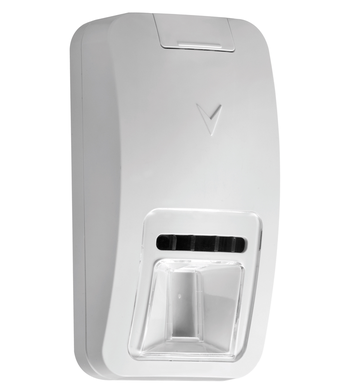
Step-by-Step Instructions:
1. Locate the sensor with a low battery.
2. Lift the screw cover upwards. This cover is located at the top of the sensor.
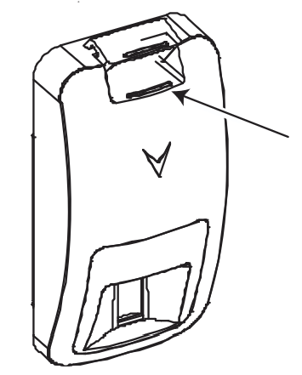
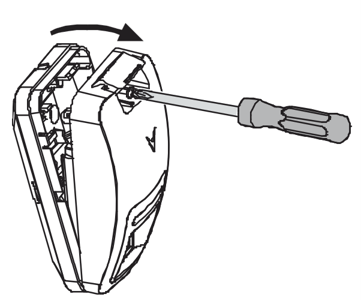
3. Use a Phillips head screwdriver to loosen the screw. Then remove the cover from the base.
4. Replace the battery with a CR123 battery.
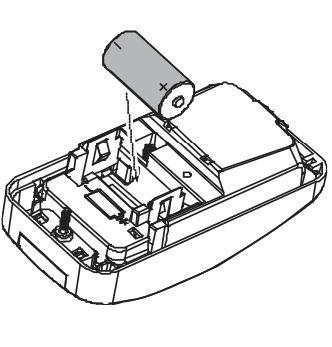
5. Make sure the area where the batteries are stored is clean and there is no corrosion.
6. Put the cover back on starting with the opposite end from which it was opened.
7. Tighten the screw and close the screw cover.
8. The low battery status should clear from the system within 12-24 hours. If not, please call for service.